Minecraft Java 26 Mods
Browse 12 free mods for Minecraft Java 26 — popular picks include Miasma, Pollution 2035 Shaders, Colorblind Swap.
Step by step: How to install Minecraft Java mods & modpacks
Updated daily

Miasma
Miasma - Cel-shading shader that transforms Minecraft into a toxic, mesmerizing planet, inspired by the iconic style of Borderlands.

Pollution 2035 Shaders
[WIP] In 2035, the world was severely polluted due to industrial emissions...

Colorblind Swap
Time-varying color perception remapping shader.

DreamFall Shaders
Immersive 90s analog horror & found footage VHS shaderpack for Minecraft

DMS
Atmospheric, dark and horror styled shader

Ultimate Nausea
This shader makes far-away objects appear to spin.

RetroPixel
custom retro CRT shader pack for Minecraft (Iris compatible). It shrinks the screen resolution to a pixelated 500x700 format, restricts the color palette for a 90s aesthetic, and adds classic horizontal scanlines to perfectly mimic an old tube monitor—all

DTM Shader
EPILEPSY WARNING!! its a shader, dont use unless your insane lmao

Dizzy Shaders
Dizzy Shaders is a lightweight shader pack designed to distort reality. It warps the world around you, shifts colors smoothly, and blends the terrain with fluid motion and light bending—giving you a surreal experience without ruining your FPS.
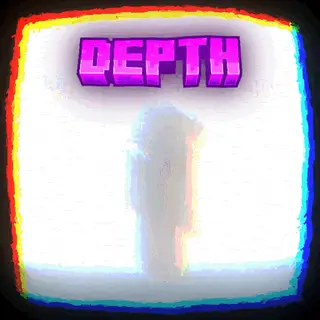
DepthStyle Shaders
A shader that attempts to recreate the "Depth Style" effect seen in TikTok edits.

DREDGIVIBE
A Shader that will try to create a mystic atmosphere, still in development.

Sidescroller Perspective
Sidescroller Perspective in Minecraft through only a resource pack :> Press F5 to be able to see yourself To stabilize camera: /attribute @s minecraft:camera_distance base set 0 to undo: base set 4 Does not change your controls, or terrain generation.